
The short answer
Apple removed Launchpad in macOS 26 Tahoe and put an Apps view in Spotlight in its place. If you want the full-screen grid back, with folders and pages you arrange yourself, you need a separate app. Several exist, and the right one depends on what you are willing to trade.
This comparison is written by the maker of Relaunch, so read it with that in mind. Facts about the other apps come from each app’s own website or repository, checked on 11 November 2026 and linked at the end. Prices and features change; confirm on the official page before you decide.
- Want free and open source: LaunchNext.
- Want free with no account: LaunchingPad. Launchie, AppGrid and LaunchOS also have free versions.
- Want a trial before paying: ModusPad.
- Still on macOS 14 or 15: AppGrid supports macOS 14.6 and later.
- Want the grid plus search that does things, smart folders, layouts and cleanup in one app, 100% off right now: Relaunch.
- Want nothing installed: Apple’s Apps view in Spotlight.
Relaunch
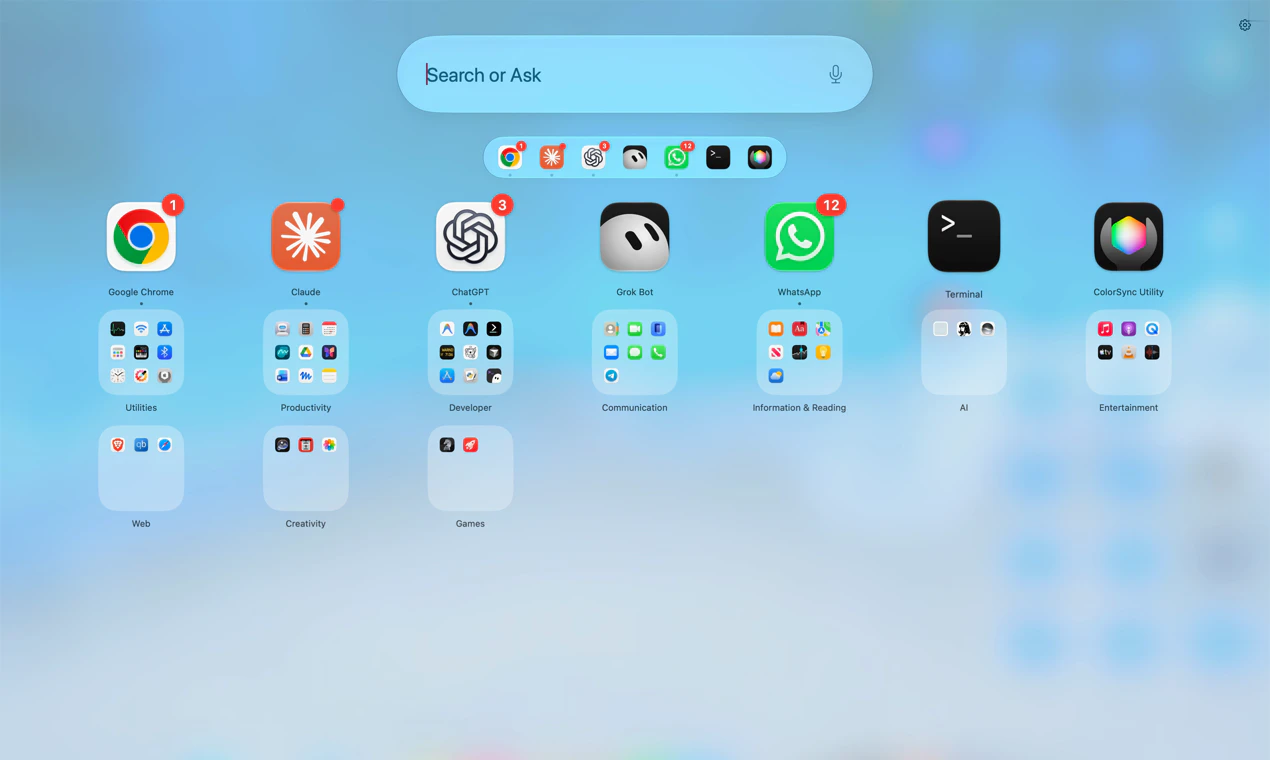
Relaunch is a native full-screen app grid for macOS 26 Tahoe and later. It opens with a three-finger pinch, the F4 key, a hot corner or a shortcut, and on first run a short welcome helps you choose how to open it. Beyond the grid it adds search that also calculates and runs actions, smart folders, undo, saved layouts that can follow a Focus, optional iCloud Drive sync, and a cleanup view for unused apps. Organizing by Apple Intelligence is optional and runs on the Mac.
The trade-offs are plain. Relaunch Solo (1 Mac) is normally $11.99 and Duo (2 Macs) $17.99, paid once with every update, but during the launch offer both are 100% off, so it costs $0.00. It is distributed directly from relaunchmac.pages.dev and is not notarized by Apple, so macOS asks you to approve it in Privacy & Security the first time.
Free and open-source options
- LaunchNext: free and open source under GPL-3.0, for macOS 26. Installs from GitHub or Homebrew. Its repository says releases from 2.4.2 are signed and notarized by Apple. Folders, drag to arrange, hot corner, Launchpad import and backups.
- LaunchingPad: free, with no account and no in-app purchase, for macOS 26. Direct download. Folders, pages, search, hot corner and Launchpad import.
- Launchie: free to download, for macOS 26. Available on the Mac App Store, by direct download and through Homebrew. Its site lists folders and layout import from Launchpad, LaunchNext and LaunchOS as free.
- AppGrid: free core, with a one-time Pro upgrade listed at US$25 for up to five Macs on the direct version. Supports macOS 14.6 Sonoma and later, so it also suits Macs that have not moved to Tahoe.
- LaunchOS: free Basic plan with a paid lifetime Pro plan, for macOS 26. Direct download only.
Other paid options
- ModusPad: one-time purchase with a 14-day free trial, for macOS 26. Its site says it is Apple notarized. Full screen, notch or Dock modes.
- BuhoLaunchpad: a paid app from Dr.Buho with a 30-day money-back guarantee. Its site says it is Apple notarized. Gestures, hot corners and migration of the old Launchpad layout.
Apple’s built-in Apps view
The Apps view in Spotlight is free and already on every Mac running Tahoe. It lists your apps and groups them into categories Apple chooses. If typing a name or browsing those categories is enough for you, you do not need any of the apps above.
How to choose
- Price: if free matters most, start with LaunchNext or LaunchingPad.
- Trust: prefer the Mac App Store or a notarized build if you do not want to approve an app by hand. LaunchNext, ModusPad and BuhoLaunchpad state they are notarized; Relaunch is not.
- Trial: Relaunch is 100% off during the launch offer, so there’s nothing to trial. ModusPad lets you try first for 14 days.
- Your old layout: some of these read the Launchpad layout left on your Mac. Relaunch starts fresh and rebuilds folders with Organize. Check before you reorganize by hand.
- What you do after the grid opens: if you also want calculations, actions, smart folders, per-Focus layouts and cleanup, compare those features directly. That is where Relaunch puts its effort.